
Overview
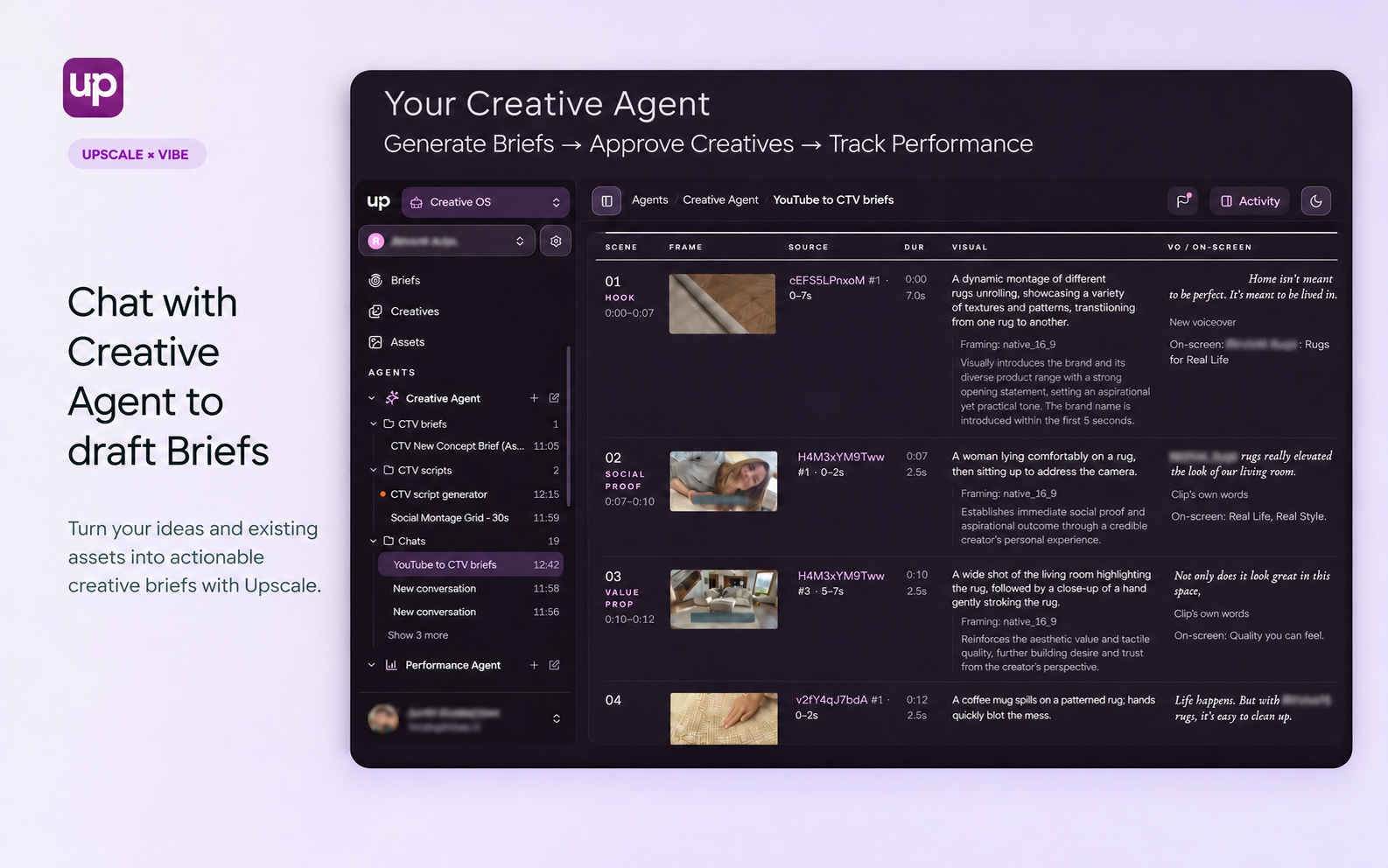
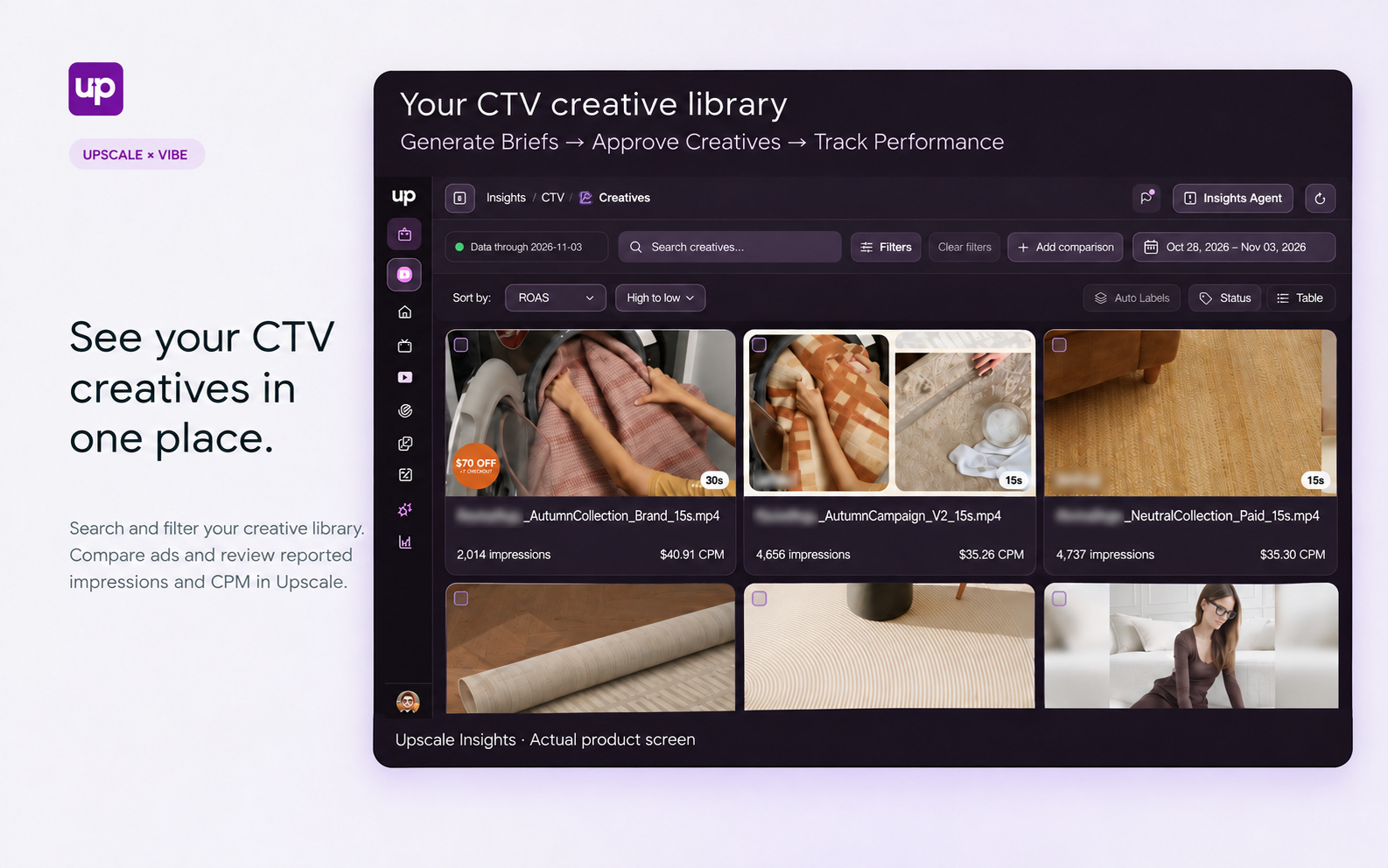
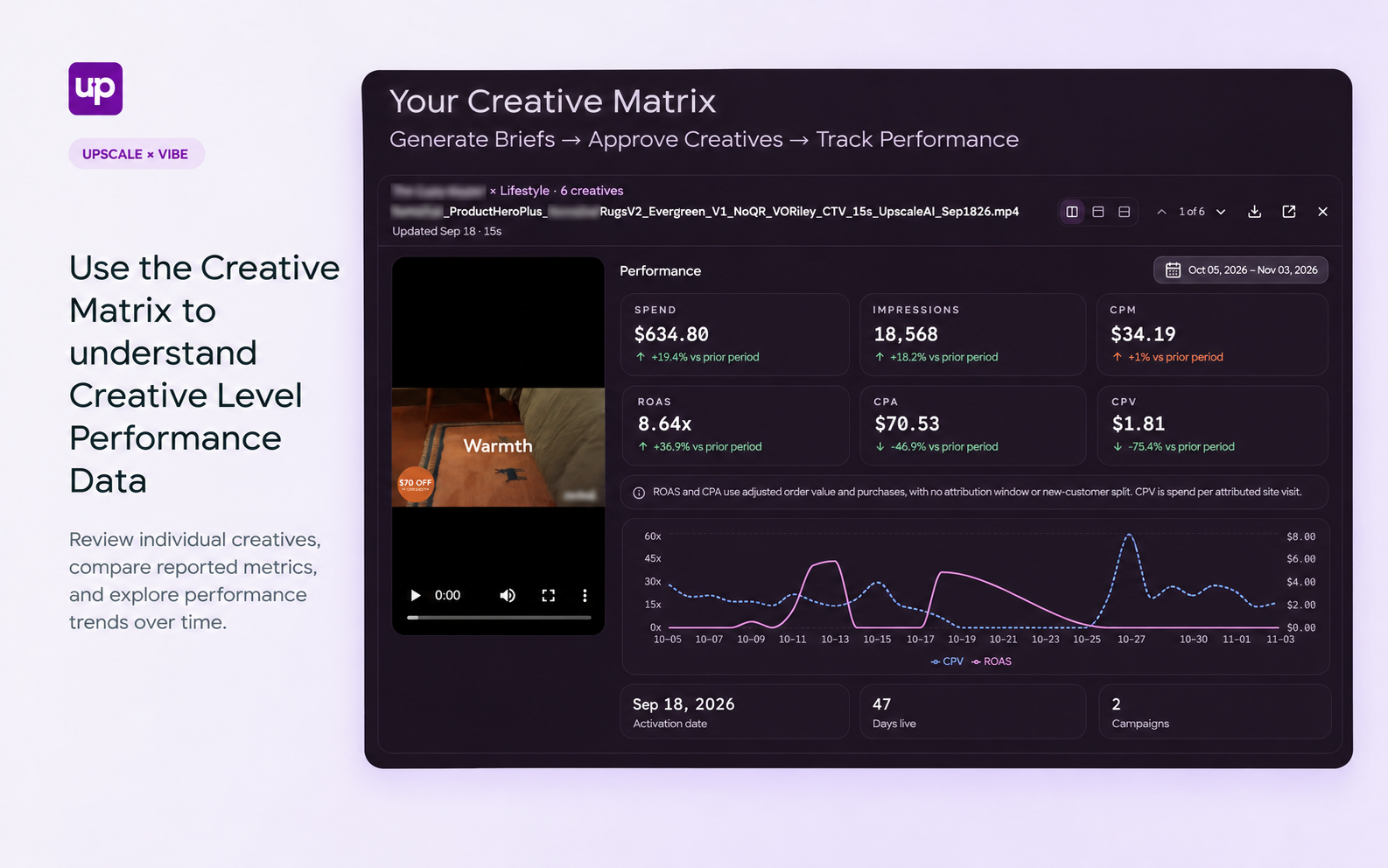
Upscale AI brings creative planning, production, review, and performance insights into one workspace for your Vibe campaigns. Chat with the Creative Agent to turn your ideas and existing brand assets into actionable CTV briefs. Develop new creative directions, review the resulting ads, and approve creatives before they move into your campaign workflow. Use Upscale Insights to explore your CTV creative library, compare ads, and review reported performance. Bring those learnings back into your next brief to keep your creative process moving—from the first idea to the next iteration.
How to use
- Set up your brand in Upscale CTV and add the assets you want to use.
- Chat with the Creative Agent about your campaign goals, audience, message, and creative direction.
- Generate a CTV creative brief and refine the concept, scenes, script, and source assets.
- Review the resulting creatives, request changes, and approve the versions you want to use.
- Prepare approved creatives for your Vibe campaign workflow.
- Review available CTV creative reporting in Upscale Insights and use those learnings to guide your next brief.
You might be interested in
Canva
Design video ads in Canva and publish them straight to your Vibe creative library, in one click.
Higgsfield
Generate TV-ready video ads with Higgsfield and send them straight to Vibe.

Melius
Create and edit videos in Melius and publish them to Vibe in one click.

NativeAds
Turn your brand’s images into on-brand CTV video ads with AI.

Segwise
Connect Vibe to Segwise to sync creative performance data and generate new ad assets based on what works.